A shot list saves time on set when it turns creative intention into a practical sequence. It tells the crew what must be captured, where, with what setup, in what order, and why the shot matters to the finished piece.
Shot-list planning checks
- Start from the script, brief, or event run-of-show, then list must-have coverage before nice-to-have shots.
- Group shots by location, lighting setup, talent, and gear rather than by inspiration alone.
- Leave space for discoveries, but protect the core shots that make the edit work.
Begin with the edit, not the camera
A shot list is not a list of cool angles. It is a plan for the edit. Before choosing lenses or movements, ask what the final video needs to communicate. A product video may need establishing shots, process details, hands, reactions, and hero frames. A short film may need coverage for dialogue, action, transitions, and emotional beats. A live event may need arrivals, crowd energy, speakers, cutaways, and exits.
Adobe’s guide on making a shot list outlines common elements such as shot size, angle, movement, location, and equipment. Use those fields, but do not let the template become more important than the story. A clean, modest shot list beats an elaborate one nobody can follow while light is fading.
Separate must-have shots from coverage insurance
Mark every shot as essential, supporting, or optional. Essential shots are needed for the project to make sense. Supporting shots make the edit smoother. Optional shots add polish if time allows. This hierarchy helps when a location runs late, talent gets tired, or weather changes. Without priority labels, teams often spend too long on pretty details and rush the scenes that carry meaning.
| Priority | Purpose | Set behavior |
|---|---|---|
| Essential | The edit fails without it | Schedule first and confirm before moving on. |
| Supporting | Adds continuity, emotion, or pacing | Capture after the core setup is safe. |
| Optional | Adds style or extra choice | Attempt only if time and energy remain. |
| Wild card | A spontaneous discovery | Use sparingly and log clearly for the editor. |
Group by setup to protect time
The fastest shooting order is rarely the script order. Group shots by location, lighting direction, camera position, lens choice, props, and talent availability. If three scenes need the same window light, shoot them while the light works. If a product needs macro details, capture all close-ups before changing the table. StudioBinder’s film shot list template highlights fields that make this grouping easier, including setup information and shot details.
This is where creative and business planning overlap. A commissioned shoot has the same risk as commissioned artwork: vague scope creates time loss. The more clearly you define what is included, the easier it is to protect the schedule. That connects directly to pricing commissioned artwork without guessing because time saved on set is often profit saved after the job.
Add the details the crew actually needs
Useful columns include scene or segment, shot number, description, framing, movement, lens, audio needs, props, talent, location, priority, estimated time, and notes. Do not overload the list with film-school vocabulary if the crew is small. The best field is the field someone will use. If one person is shooting and directing, a compact list with priorities may work. If a team is involved, clarity matters more than shorthand.
For bigger productions, reference forms from industry education sites such as No Film School’s collection of production templates to see how shot lists fit alongside call sheets, release forms, and reports. You do not need every form for a small shoot, but you should understand which paperwork prevents confusion.
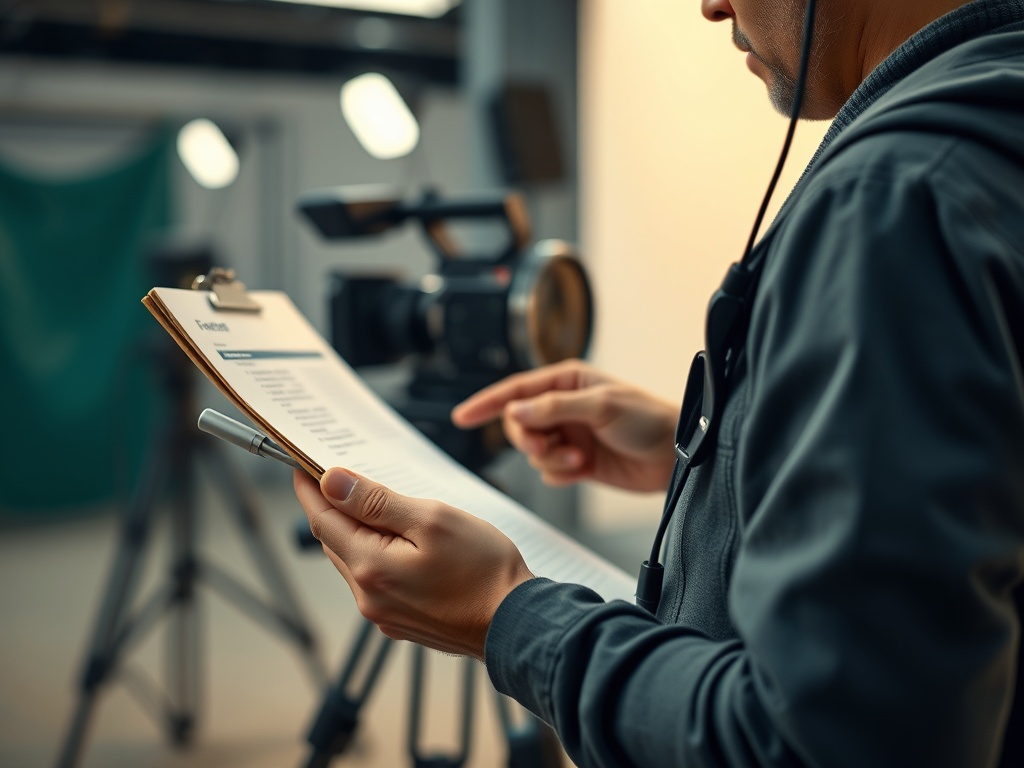
The planning skill is similar to choosing what to watch: a filmmaker deciding coverage needs the same priority discipline as someone building a personal film watchlist or trimming a TV queue to avoid choice overload. You are deciding what deserves attention before pressure makes the decision for you.
Common shot-list mistakes
- Listing shots in a visually exciting order instead of a practical shooting order.
- Failing to identify which shots are essential.
- Leaving out audio, props, or talent needs.
- Making the list so detailed that nobody updates it on set.
- Not sharing the list early enough for crew feedback.
When to bring in another planner
DIY shot lists work for solo creators, short interviews, small product shoots, and simple event coverage. Bring in a producer, assistant director, cinematographer, or experienced editor when the shoot has multiple locations, minors, permits, stunts, complex audio, paid crew, or a hard client deadline. An editor can also spot missing transitions before production, which is much cheaper than discovering the gap later.
Test the list against real constraints
Before shoot day, walk through the list with the actual constraints: location access, noise, daylight, battery life, parking, actor availability, release forms, and load-in time. A shot that looks simple in a spreadsheet may require moving furniture, changing lenses, resetting sound, or waiting for a public space to clear. Add setup notes where a shot depends on something fragile.
If the shoot is for a client, confirm which shots they consider non-negotiable. Their answer may differ from your creative instincts, and it is better to discover that before the first card is full.
Share the shot list in a format people can use on phones as well as paper. On small crews, a printed list can live near the camera bag; on larger crews, a shared document may help departments flag problems early. Keep file names clear and versioned. A crew should not waste the morning wondering which list is current.
On the day, assign one person to mark completed shots if the crew has more than two people. That small role prevents duplicated effort, catches skipped essentials, and gives the director or shooter more attention for performance, light, and framing.
End with a list the editor can trust
A successful shot list is visible in the edit. The footage has enough choices, the must-have moments are covered, and the crew did not waste time wondering what mattered. After the shoot, compare the planned list with the footage you used. Note which shots were essential, which were wasted, and which missing shots caused trouble. That review turns one shoot into a better plan for the next.